
Frequently asked questions
Every answer, in one place. From the digital menu to the room charge.
Do guests have to download an app?
No, and they don't have to register or create an account. They scan the QR code and the menu opens in the phone's browser. It is the condition for someone staying a few hours, or one night, to order at all.
How does the system know where the guest is?
From the code: each QR code belongs to a location — a room, a lounger, an umbrella, a table — and that location travels with the order. The system identifies the place, not the person.
Which languages is the menu available in?
The ones your property needs. The menu is loaded in several languages, with photographs and allergens, and each guest reads it in their own.
How do guests pay?
The property decides: charge to the room, card payment when ordering, or both — even differently from one area to another.
Does our team need new devices?
No: orders arrive on the devices they already use. How to split them by department — bar, kitchen, floors, beach — is decided together during setup.
Can we update the menu ourselves?
Yes, whenever you need: a price, an item that has run out, the evening menu. The QR codes don't have to be reprinted — they stay the same.
Does the QR code replace the printed menu?
It doesn't demand to. The digital menu sits alongside, and many properties keep both: where a price list has to be on display, print remains the simplest way to do it. Oorders doesn't ask you to give anything up.
Does it integrate with our POS and the systems we use?
Oorders integrates with the systems your property runs; if the integration you need doesn't exist yet, it can be built later. We look at the specific case in the demo.
What about a guest who doesn't want to use a phone?
They are served as before. Oorders adds a way to order; it doesn't take one away.
Can we start in one area only?
Yes. Start with poolside, in-room dining or the restaurant and add the other areas later, on the same system and the same menu.
How long is a demo, and what do you show?
A video call of around 20 minutes with our team, showing all of it: the property side and the guest side. It is not a slide deck — it is the system running.
How does the order reach the team?
However the property prefers: printed on thermal printers at the bar or in the kitchen, or on the Oorders digital panel, which opens on any device. Each department receives only its own orders, with the location already shown.
What happens when a dish runs out?
It is marked as unavailable from the Oorders panel and the digital menu updates in real time: guests can no longer order it.
Can guests add notes or flag an allergy?
Yes: when ordering they can add notes and special requests, from «no ice» to an allergy. And every dish on the digital menu can show its allergens.
Can guests order for a specific time?
Yes: guests can choose when to receive the order — for example breakfast in the room at the time they prefer.
Can guests collect at the bar instead of being served at their spot?
Yes, if the property turns it on. It is mainly meant for beach clubs: those who want to collect can, and those who stay at the sunbed are served where they are.
Can we have different menus by area and by time of day?
Yes: you create a menu for every space — pool, restaurant, bar, room, beach — and for every moment of the day, from breakfast to the evening menu. There is no limit to the number of menus.
Do we need a POS system?
No. Oorders does not replace the POS: it works where there is none and, where there is one, it sits alongside it.
Does management get statistics and reports?
Yes: customisable reports on what sells, in which area and at what time of day, so menu and service decisions are made with the data in front of you.
Does it work across several outlets and properties?
Yes: bar, pool and restaurant can each have their own menu and hours, and several properties in the same group can run on the same system.
What guest data does Oorders collect?
None. Guests don't register and leave no data on Oorders: they scan the QR code, choose and order. The system knows the location, not the person.
Do you need a technician on site to get started?
No: setup is done entirely remotely, with our technical support.
And after go-live, who supports us?
Our technical support stays with you after the first services, for every question and every change.
Multilingual menu with photographs and allergens
The menu is loaded in the languages you need, with images of the dishes and allergen information. International guests order without having to explain themselves.
Orders geolocated by location
Every location — room, lounger, umbrella, table — has its own code. The order arrives with the address already attached.
Received on your team's own devices
Orders arrive on the devices your staff already use, split by department. No new fleet to buy.
Integrated payment and room charge
Guests close the order by paying as they go, or charge it to the room where the property allows it.
Bookable services and experiences
From the same screen guests can book services of the property, not only food and drink.
Menu updated by you
Prices, an item that has run out, a different evening menu: changed by you, when you need, and the QR codes stay the same.
Do guests need to download an app?
No, and they don't need to register either. They scan the QR code and the menu opens in their browser. For a one- or two-night stay, that is what decides whether they order at all.
How does room charge work?
If the hotel's management system is integrated with Oorders, the order is posted to the room bill automatically. If it isn't, the order still arrives with the room shown and the team records it as they do today. We look at your case in the demo.
Is the menu multilingual?
Yes. It is loaded in the languages you need, with photographs and allergens, and each guest reads it in their own. It is the first thing an international guest notices.
Does my team need new devices?
No: orders arrive on the devices your staff already use. Which ones, and how they are split by department — bar, kitchen, floors — is decided together during setup.
Does it integrate with our POS and PMS?
Oorders integrates with the systems your property runs; if the integration you need doesn't exist yet, it can be built later. We look at your specific case in the demo.
Can guests book more than food and drink?
Yes: services and experiences can be booked from the same screen, from the spa to an activity of the property. Which ones you switch on depends on what you offer and is set during configuration.
How do half board, full board and all-inclusive work?
That depends on how you run them today: board types, supplements and included consumption are the most property-specific part of the whole question, and we would rather look at yours in the demo than give you a generic answer.
Does a QR code on the table make a property look less elegant?
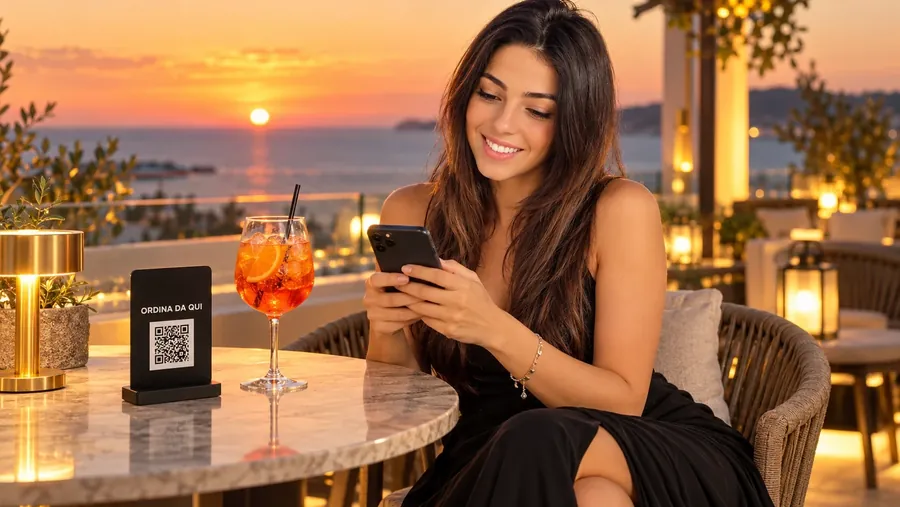
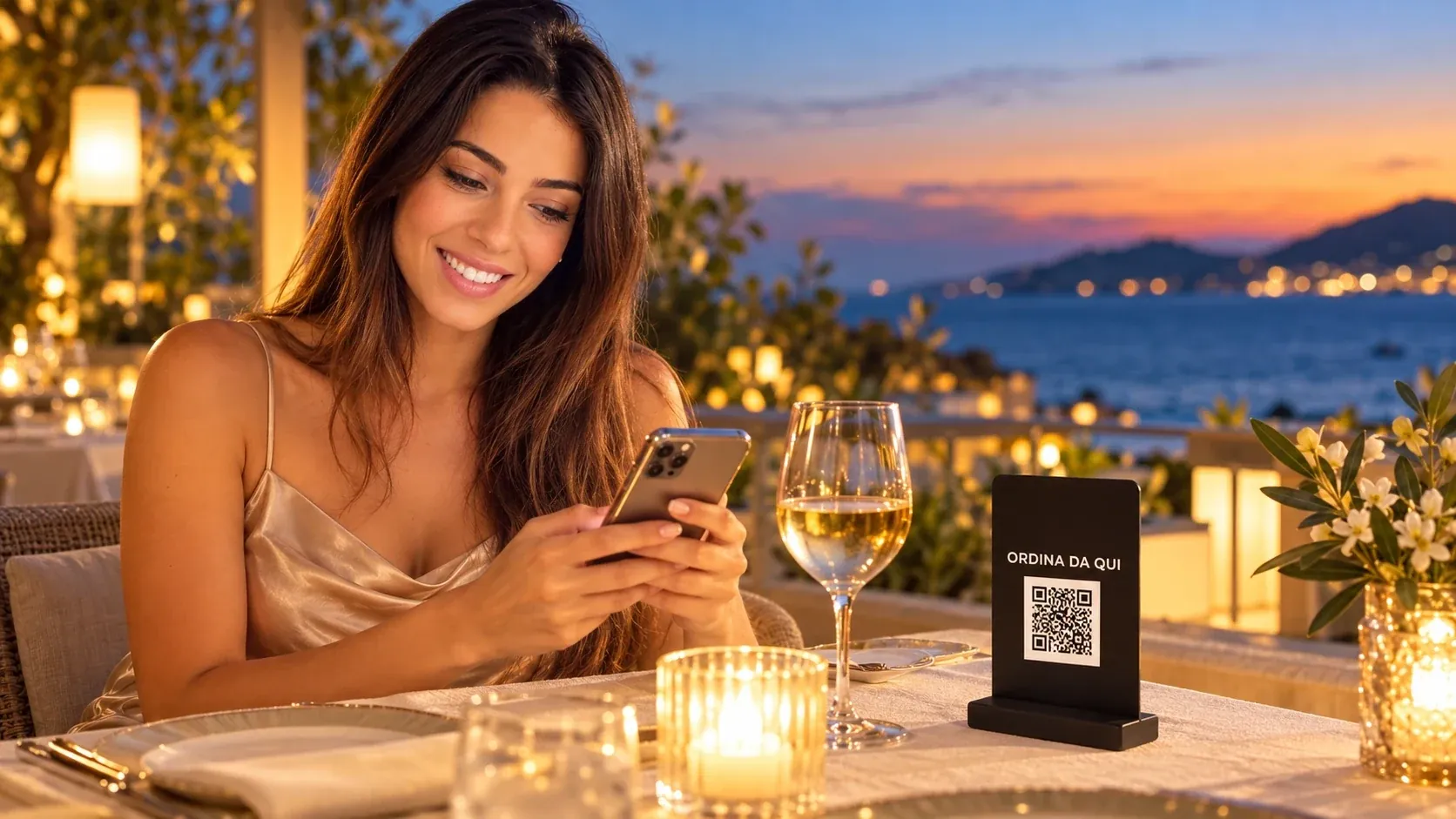
That is the right objection, and it is about an object, not about software. Which is why the Oorders ordering point is an object: a compact, free-standing black plaque with your mark at the top and the QR code for that location, made to match your property. The rest of the system stays out of sight. The QR totem
Will the team actually use it?
That is the real risk with any new tool, and a promise doesn't settle it. Coming does: a review of your areas done together, the setup done by us, and our support for your team through the first services — the moment when it is decided whether a system gets used or worked around.
Do guests have to download anything?
No. The menu opens in the browser of the phone they are already holding: no app, no registration, no account.
Does it integrate with our PMS and POS?
Oorders integrates with the systems your property already runs. If the integration you need doesn't exist yet, it can be built later. On your specific setup — what you have at reception and on the floor — we look at it together in the demo.
How does the team know where to take it?
The QR code belongs to the location, not to the person: the order arrives with the sunbed or table number. Whoever carries it doesn't search — they go.
Does it work for the restaurant and the tables, not just the sunbeds?
Yes: sunbeds, umbrellas, restaurant and bar tables all sit on the same system, with the same menu. Only the active locations change.
Can we change the menu during the season?
Yes, yourselves: an item that has run out, a price change, a different evening menu. The QR codes stay the same.
Is the menu available in other languages?
Yes, in the ones you need, with photographs and allergens. International guests order without having to explain themselves, and your team doesn't translate out loud.
Does the contract run all year if we open for four months?
For properties that operate by season, the contract follows the season. The details are covered in the demo.
Does it replace beach management software for umbrellas and bookings?
No. Oorders is the service and consumption system: no umbrella map, no season passes, no place bookings. It sits alongside what you already run.
Does a beach club that lives on atmosphere become self-service?
Self-service is when the guest goes and fetches things. This is the opposite: the guest doesn't move, and someone still comes. What disappears is not the relationship — it is the queue at the counter and the paper ticket. The team that collects orders today has its hands free for the part of the work people remember. And the ordering point is not a sticker pressed onto a side table: it is a compact black object carrying your mark at the top. The QR totem
Is it worth it for a venue open only in summer?
For properties that operate by season, the contract follows the season. We don't put numbers on a web page: the details are covered in the demo, with your own season in front of us.
Do we have to replace our umbrella and booking software?
No. Oorders doesn't handle umbrella maps, season passes or place bookings: it sits alongside what you run, and covers service and consumption. It integrates with the systems you already have and, if the integration you need doesn't exist yet, it can be built later. We look at your case in the demo.
Do guests need an app to order from the umbrella?
No, and they don't have to register. They scan the QR code and the menu opens on their phone. It's the difference between a guest who orders at the first attempt and one who gives up.
How does the bar know which umbrella to take it to?
The QR code belongs to the spot, not to the person: the order arrives with the row and the number. You use the numbering you already have.
Do we need to buy new equipment?
Orders arrive on the devices your staff already use. Which ones, and how to organise them for bar and kitchen, we decide together during setup.
Does it work for a small beach too?
Yes. The number of umbrellas changes the setup, not the point of it: in fact, where staff are few, cutting out wasted trips makes even more of a difference.
Does it replace the program I use for umbrellas and season passes?
No. Oorders doesn't do spot maps, bookings, season passes or beach huts: it sits alongside them. If you need an integration that doesn't exist today, it can be built later.
Does it also cover the beach's bar and restaurant?
Yes: umbrellas, sunbeds and tables all sit on the same system, with the same price list. Only the active locations change.
Can I change the price list during the season?
Yes, on your own: a price change, an item that has run out, a lunch menu that differs from the afternoon one. The QR codes stay the same.
Does the contract run all year?
For properties that operate by season, the contract follows the season. The details are covered in the demo.
Can we try it first on part of the beach?
Yes: you can start with a few rows or one zone and extend it later, on the same system.
How does the order reach the staff?
However the property prefers: printed on thermal printers at the bar or in the kitchen, or on the Oorders digital panel, which opens on any device. Each department receives only its own orders, with the location already shown.
Can guests collect at the counter instead of being served at their spot?
Yes, if the property turns it on. It's an option meant mainly for beach clubs: those who want to collect can, and those who stay at the sunbed are served where they are.
Is it worth it with a short season?
For properties that operate by season, the contract follows the season. We don't put numbers on a web page: the details are covered in the demo, with your own season in front of us.
Does it work for families and regulars too?
There's nothing to learn: you scan the QR code and a page opens, just like looking at a menu in a restaurant. No app, no sign-up, no password. And anyone who prefers to order by voice carries on doing so: the staff are still there.
How are loungers numbered?
We map the locations together, following the logic you already use for rows and sections. The number goes into the QR code for that location, and from there into the order.
What if a lounger changes guest during the day?
The QR code belongs to the location, not to the person: it identifies the place. Whoever serves receives an address, not a profile.
Do guests need an app or an account?
Neither. The menu opens in the phone's browser: scan and order. Poolside that is decisive, because nobody installs anything from a lounger.
How do guests pay when there is no room to charge?
The property decides: charge to the room, card payment when ordering, or both — even differently from one area to another.
Can we use it only in the months the pool is open?
Yes. For properties that operate by season the contract follows the season, and the system can run on the outdoor deck while the indoor pool stays active. The details are covered in the demo.
Does it work for the pool restaurant or bistro as well?
Yes: the same system covers the tables, with the same menu and the same way of working for your team.
Does the totem stay outdoors?
The totem is made to stand outdoors — poolside, on a side table, beside a lounger. Totems are made to order and customised to the property: finish and configuration are defined together.
Can guests order to a cabana?
Yes. A cabana is a location like any other: it has its own code and its own number, which is the whole point for an area where guests expect not to move.
Does a phone at the poolside ruin the atmosphere?
It is the phone the guest was already holding on that lounger, long before your QR code arrived. The difference is that for ten seconds it is useful, instead of a raised hand nobody sees. And the ordering point itself is not a sticker: it is a compact black object that sits on the side table without asking for attention. The QR totem
Do we need to replace our entry and membership software?
Oorders doesn't replace it: that one handles who comes in, this one handles what gets consumed once they are in. It integrates with the systems your property runs and, if the integration you need doesn't exist yet, it can be built later. We look at your case in the demo.
Who brings the order to the lounger?
The team you already have, but working by zone with a list in front of them instead of on sight. Nobody is replaced — the empty walking is.
Does the totem carry our mark?
Yes: the space at the top belongs to the property. Oorders stays at the bottom, small.
How many totems do we need?
One per active location. Which locations to activate — every row or part of them, the tables, the rooms — is decided together, with the mapping in front of us.
Can it be used outdoors?
That is what it was made for: it stands on its own on a poolside table or beside a lounger, with no fixings and no cables.
What dimensions and finishes does it have?
Totems are made to order and customised to the needs of the property: configuration and details are defined together in the demo, on your own spaces.
If we change the menu, does the totem have to be remade?
No. The code stays the same: the menu is updated from the system and the totem is not touched.
Can Oorders be used without the totem?
Where an object isn't the right answer — in a room, for instance — the code lives on whichever support suits the area, chosen with you. The totem is the answer for open areas, where there is nothing to put a code on.
Is the totem the same in every area?
The form is one. What it carries changes: your mark stays yours, the invitation to order is in the languages that area needs, and the code and number belong to each individual location.
Do we have to use your totems?
No. You can order branded totems from us, or display the QR codes on whatever stand you prefer.
Request a demo
A demo on your menu, in your own spaces.
Didn't find your answer? We'll give it to you in the demo, on your own case.
Or write to us directly: info@oorders.it