01 / 04
Hotels and resorts
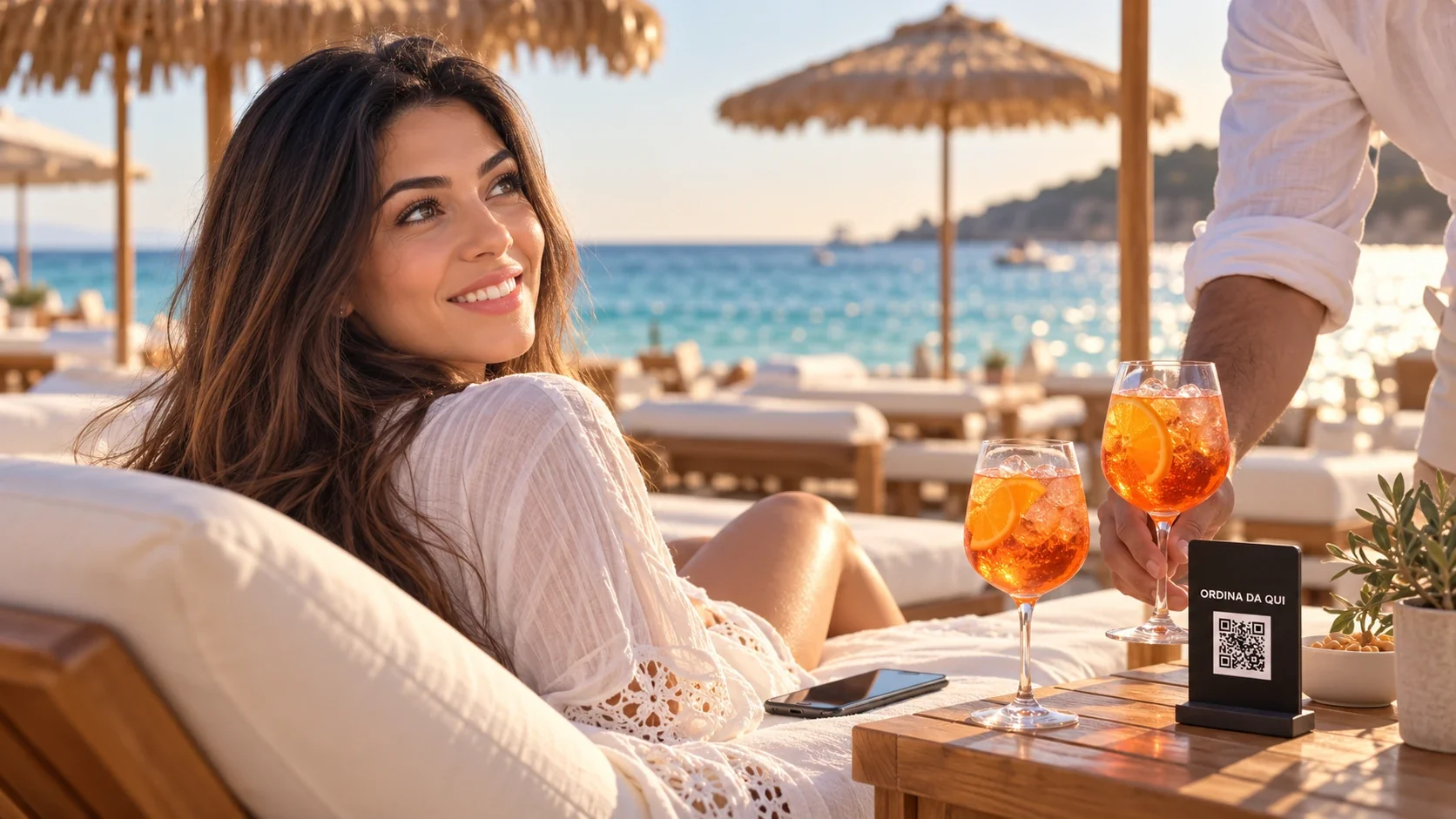
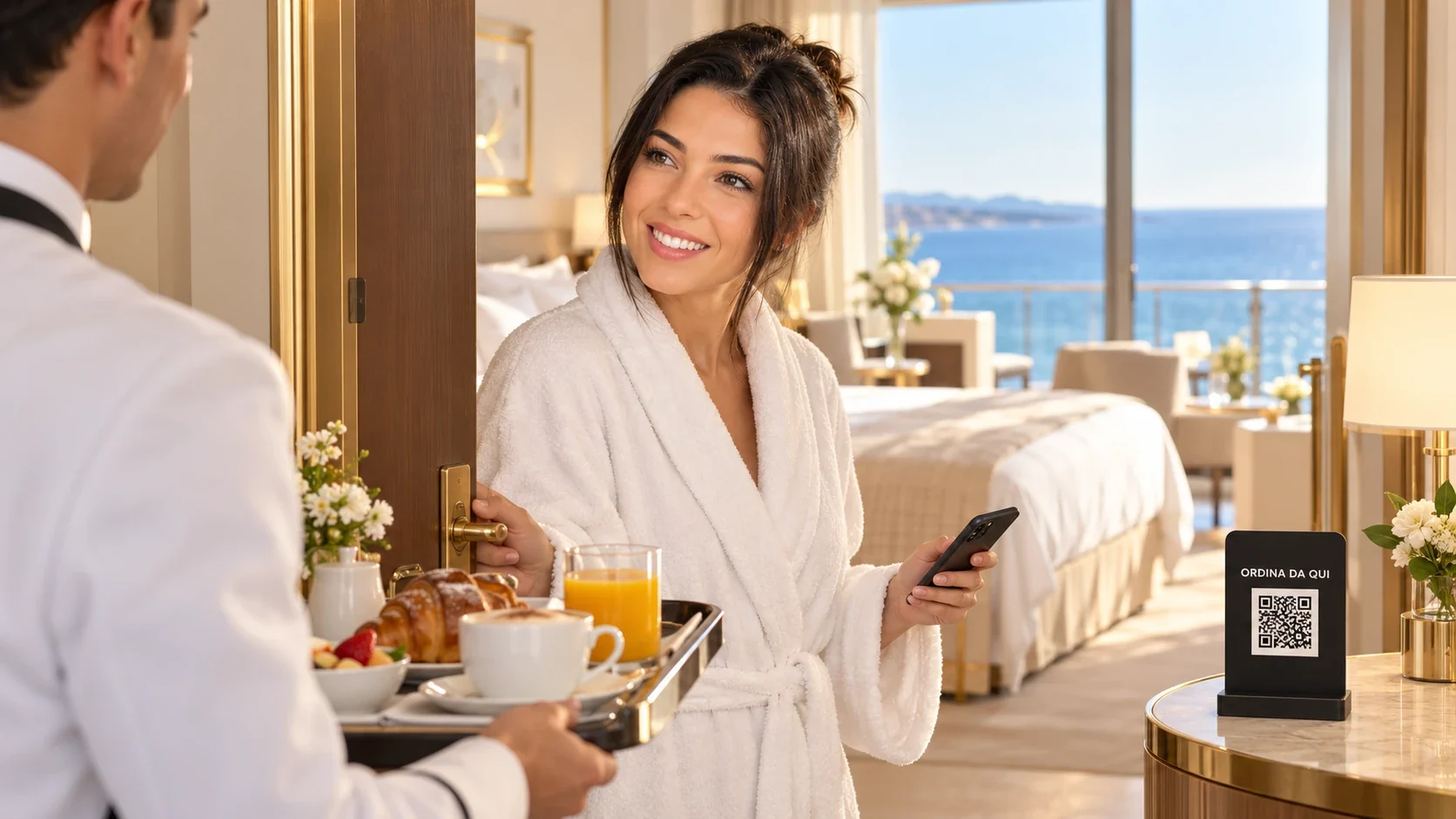
In-room dining, breakfast in the room, experiences to book: several menus from the same QR code in the room, charged to the folio.
Discover the solution Request a demo

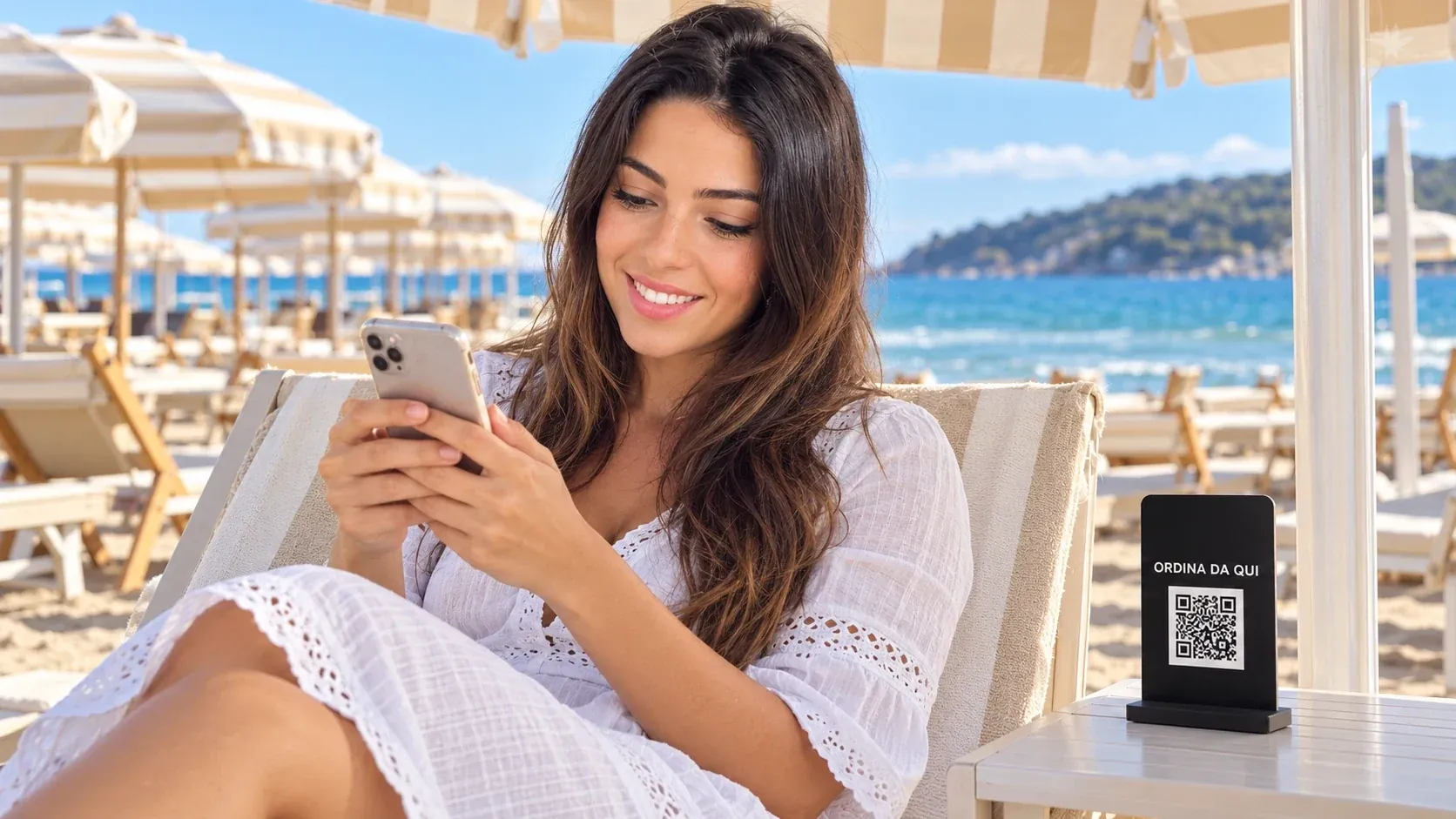
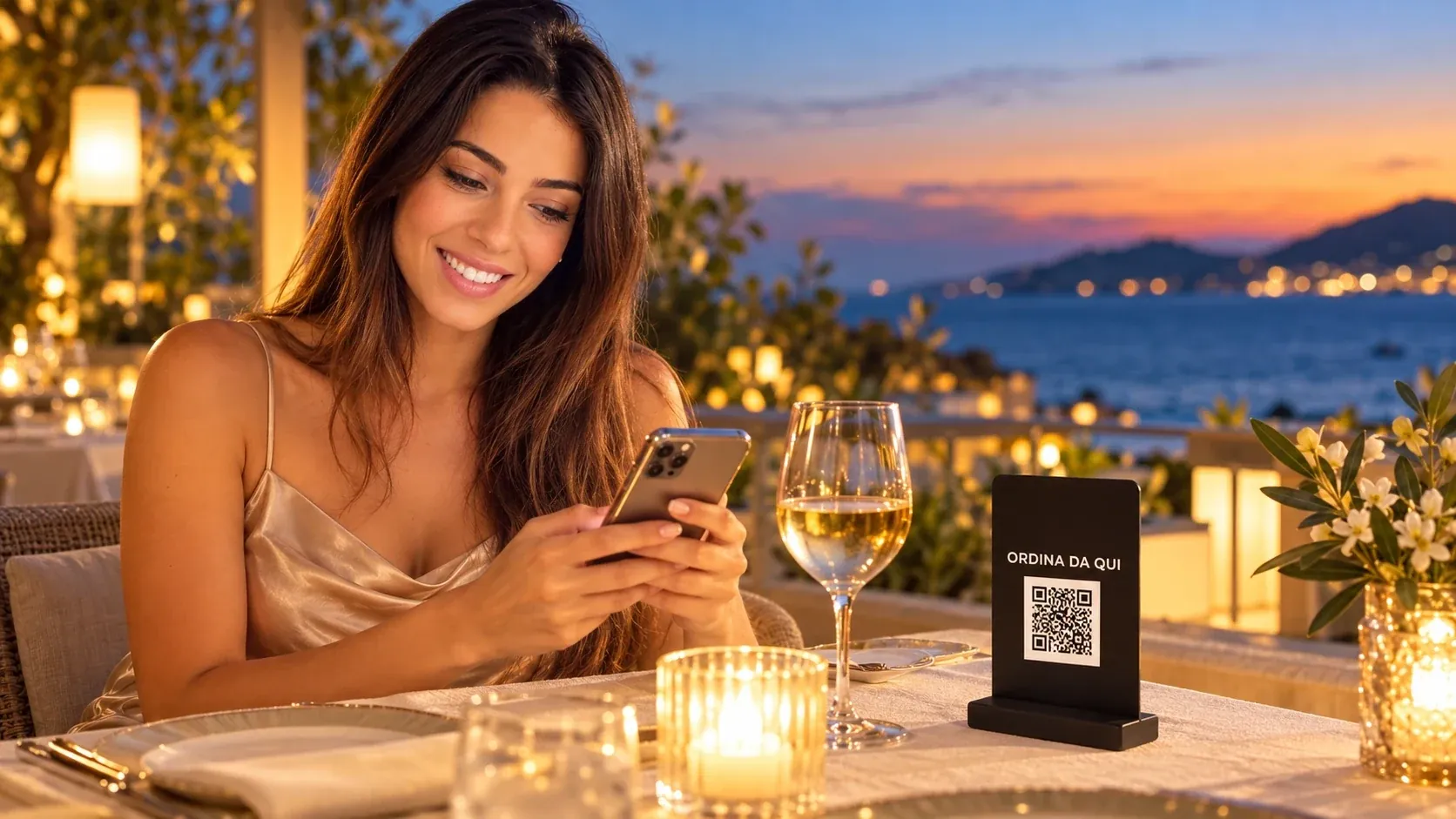
A QR code at every spot: room, sunbed, umbrella, table. The digital menu opens in the browser, with no sign-up.
Digital menu with photos, allergens and several languages. Integrated payment or room charge.
Your team receives each order routed by department, with the exact location: on a thermal printer or on the Oorders panel.
01 / 04
In-room dining, breakfast in the room, experiences to book: several menus from the same QR code in the room, charged to the folio.
Discover the solution02 / 04
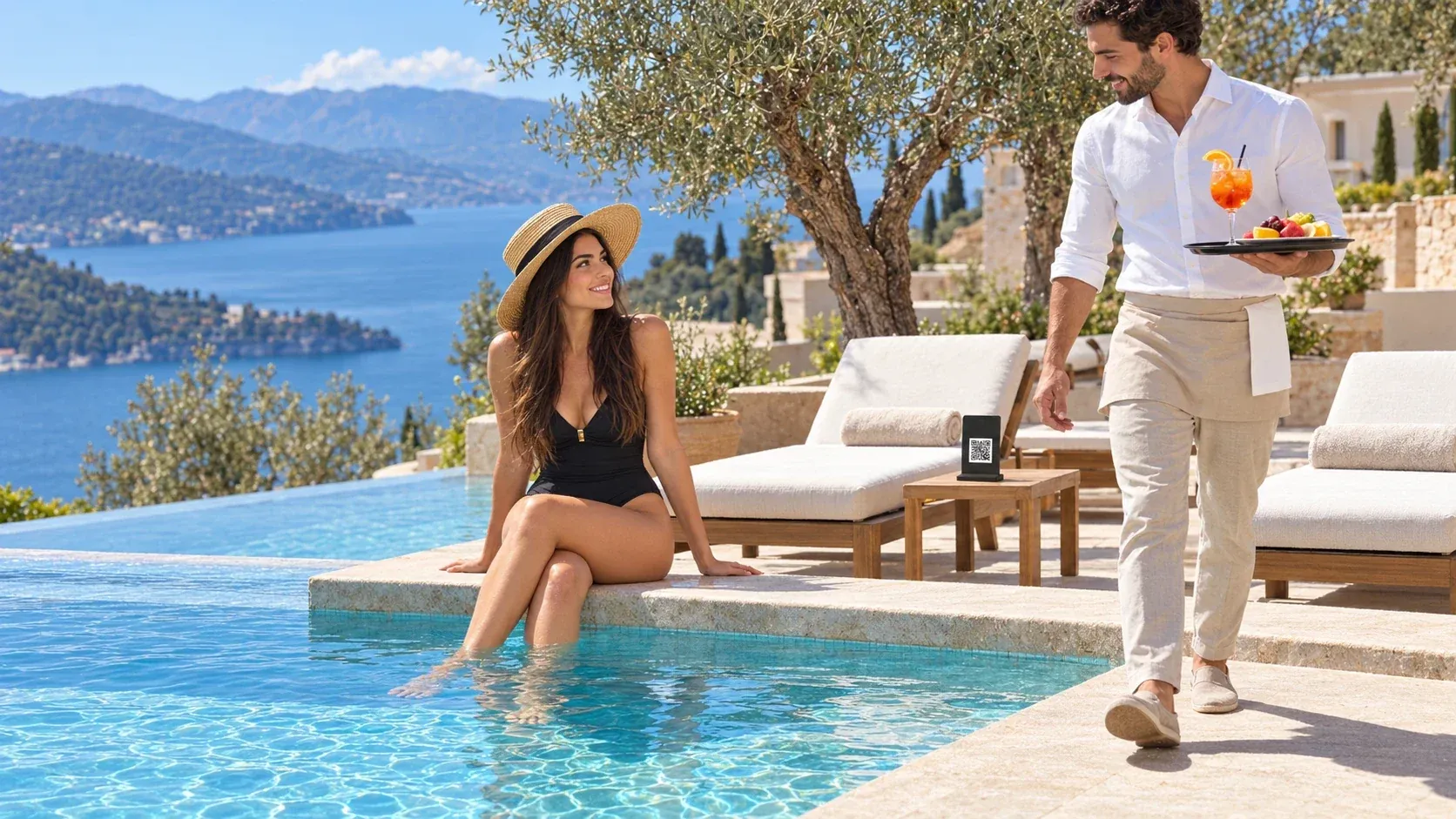
Sunbed and table ordering when the club is full, with the same care as the quiet hours.
Discover the solution03 / 04
Poolside ordering, even where there is no station.
Discover the solution04 / 04
Orders from the beach umbrella all season long, alongside the software you already use.
Discover the solutionNo, and they don't have to register or create an account. They scan the QR code and the menu opens in the phone's browser. It is the condition for someone staying a few hours, or one night, to order at all.
From the code: each QR code belongs to a location — a room, a lounger, an umbrella, a table — and that location travels with the order. The system identifies the place, not the person.
No: orders arrive on the devices they already use. How to split them by department — bar, kitchen, floors, beach — is decided together during setup.
Oorders integrates with the systems your property runs; if the integration you need doesn't exist yet, it can be built later. We look at the specific case in the demo.
Yes. Start with poolside, in-room dining or the restaurant and add the other areas later, on the same system and the same menu.
A video call of around 20 minutes with our team, showing all of it: the property side and the guest side. It is not a slide deck — it is the system running.
However the property prefers: printed on thermal printers at the bar or in the kitchen, or on the Oorders digital panel, which opens on any device. Each department receives only its own orders, with the location already shown.
Yes: you create a menu for every space — pool, restaurant, bar, room, beach — and for every moment of the day, from breakfast to the evening menu. There is no limit to the number of menus.
None. Guests don't register and leave no data on Oorders: they scan the QR code, choose and order. The system knows the location, not the person.
Around 20 minutes on a video call with our team: the property side, where orders arrive already routed, and the guest side, ordering from a phone.
Or write to us: info@oorders.it